
Step : 1
First Download the .zip file from Codecanyon on your PC and then extract the file.
Upload the poslooks.zip file to your server public_html or any other directory as you like.
Now extract the zip file in that directory.
Create a new database from your server MySQL database.
Create a DB user and link that database to the DB user.
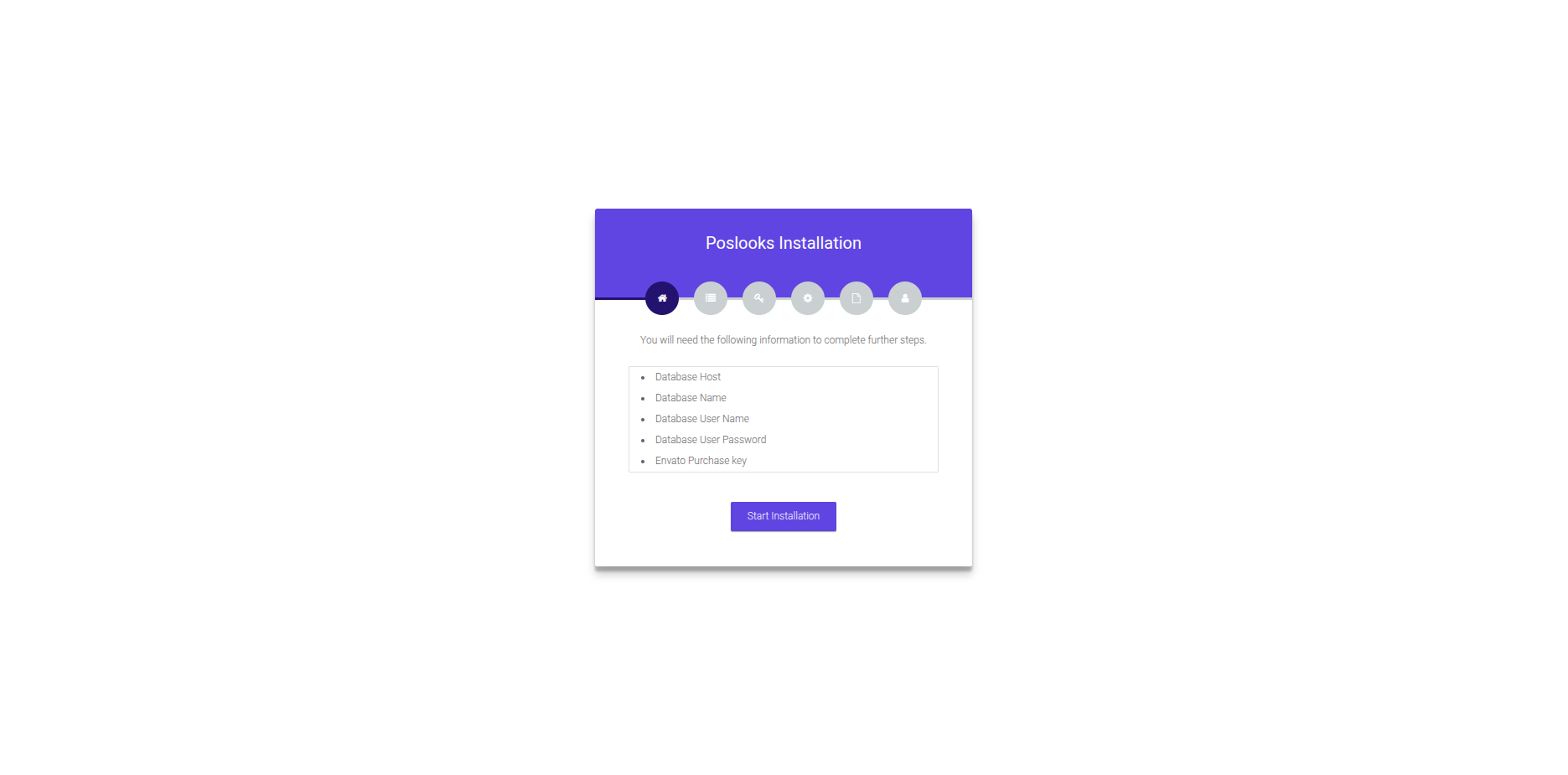
Now go to your site link and it will automatically take you to the installation.
Step : 2
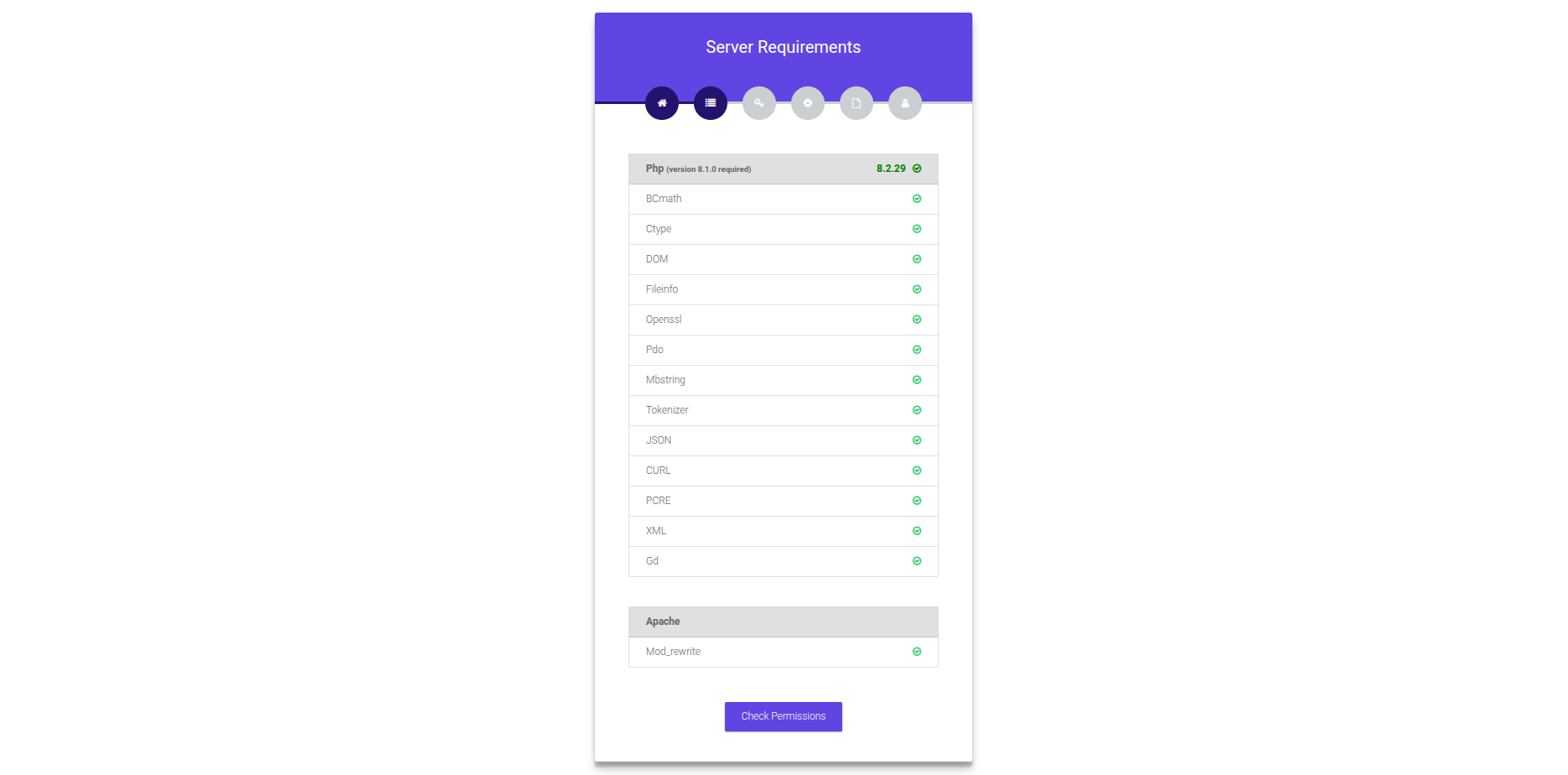
After click on the Start Installation. You will redirected to Server Requirements page. Please the and fulfill all requirements and click Check Permission button.
Step : 3
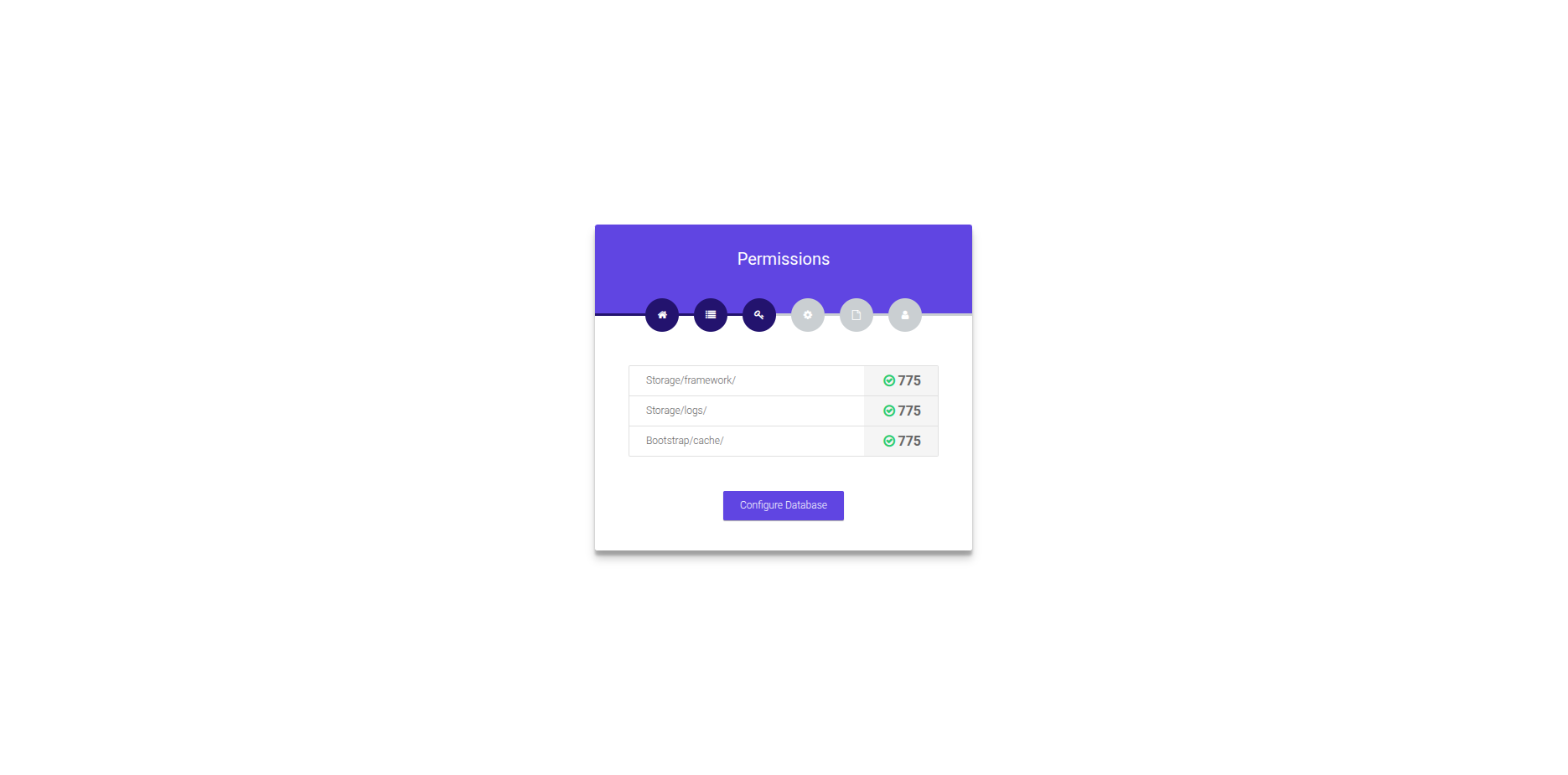
Click on Check Permissions button you will redirect to the permission page. check all the file and folder permission and click on the Configure Database button.
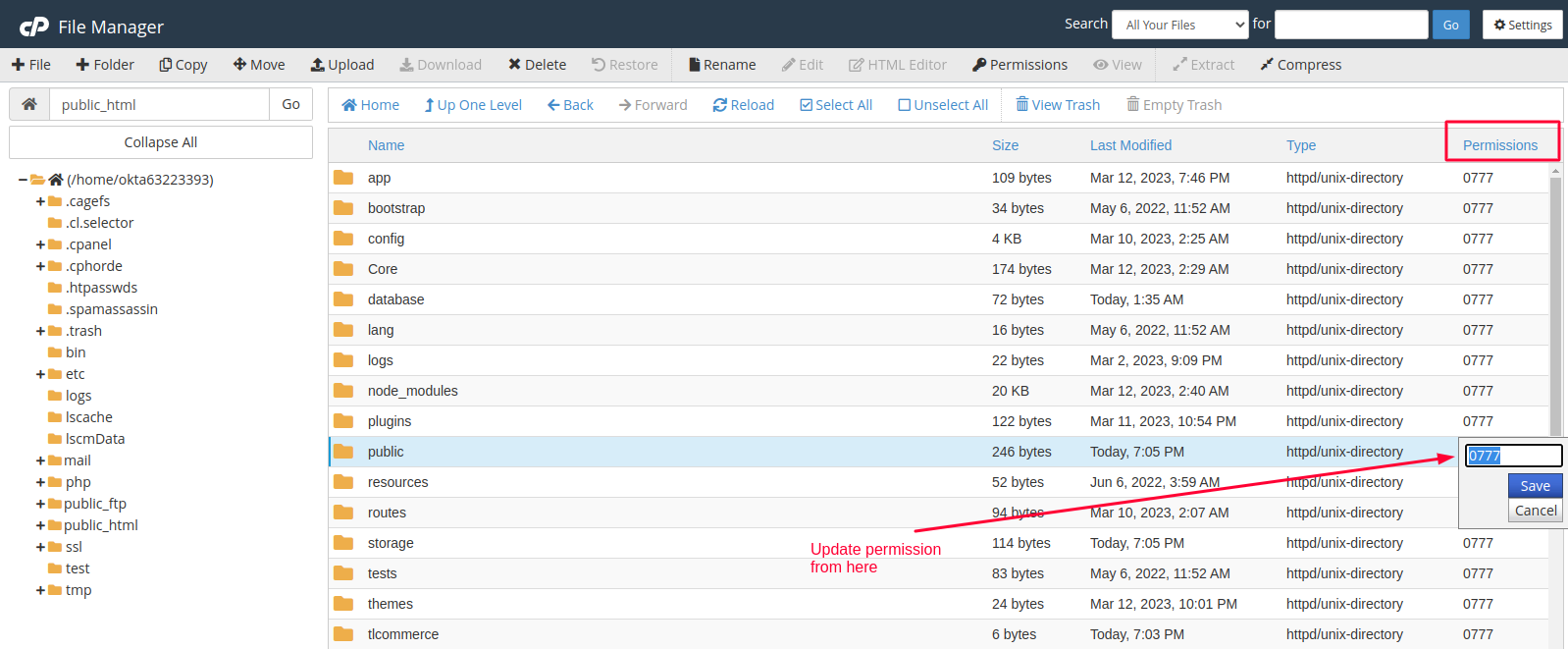
Following image has an example of how you can change folder permission in cpanel.
Step : 4
Now in the Database Setup page, you need to set DB Host, DB Name, DB Username, DB Password, and DB Port. Now click Submit & Continue.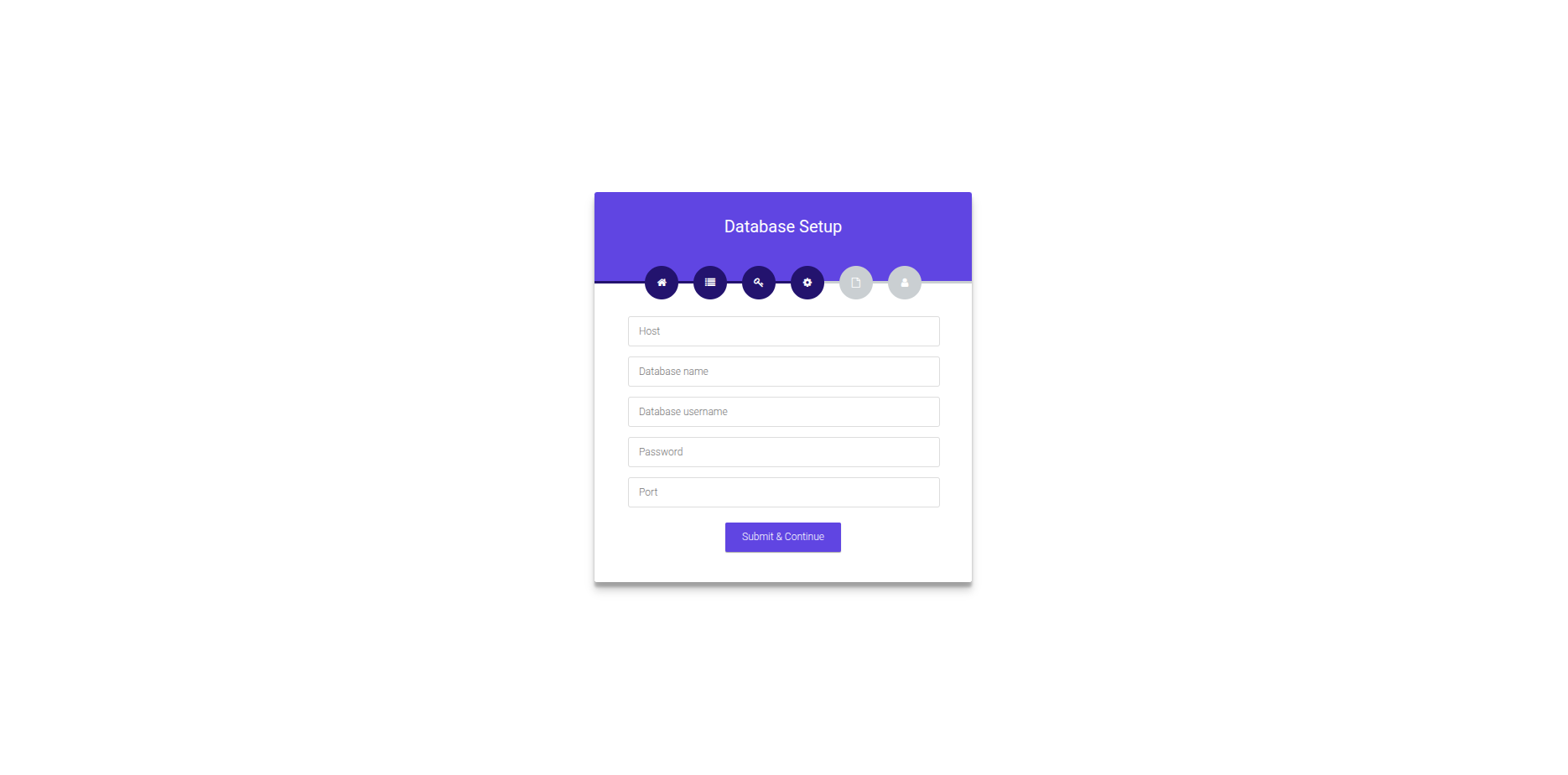
Step : 5
After configure database properly you will redirected to the SQL import page . Click on the Import SQL button and wait while importing . Do not reload the page while importing the SQL.

While importing SQL , you may encounter "max_allowed_packet" limitation problem. In that case you can ask your server administrator to increase mysql "max_allowed_packet" limit to "5M".
Step : 6
After Import SQL successfully you will redirected to the user registration . Here you will need to fill up the registration and with system and admin information.
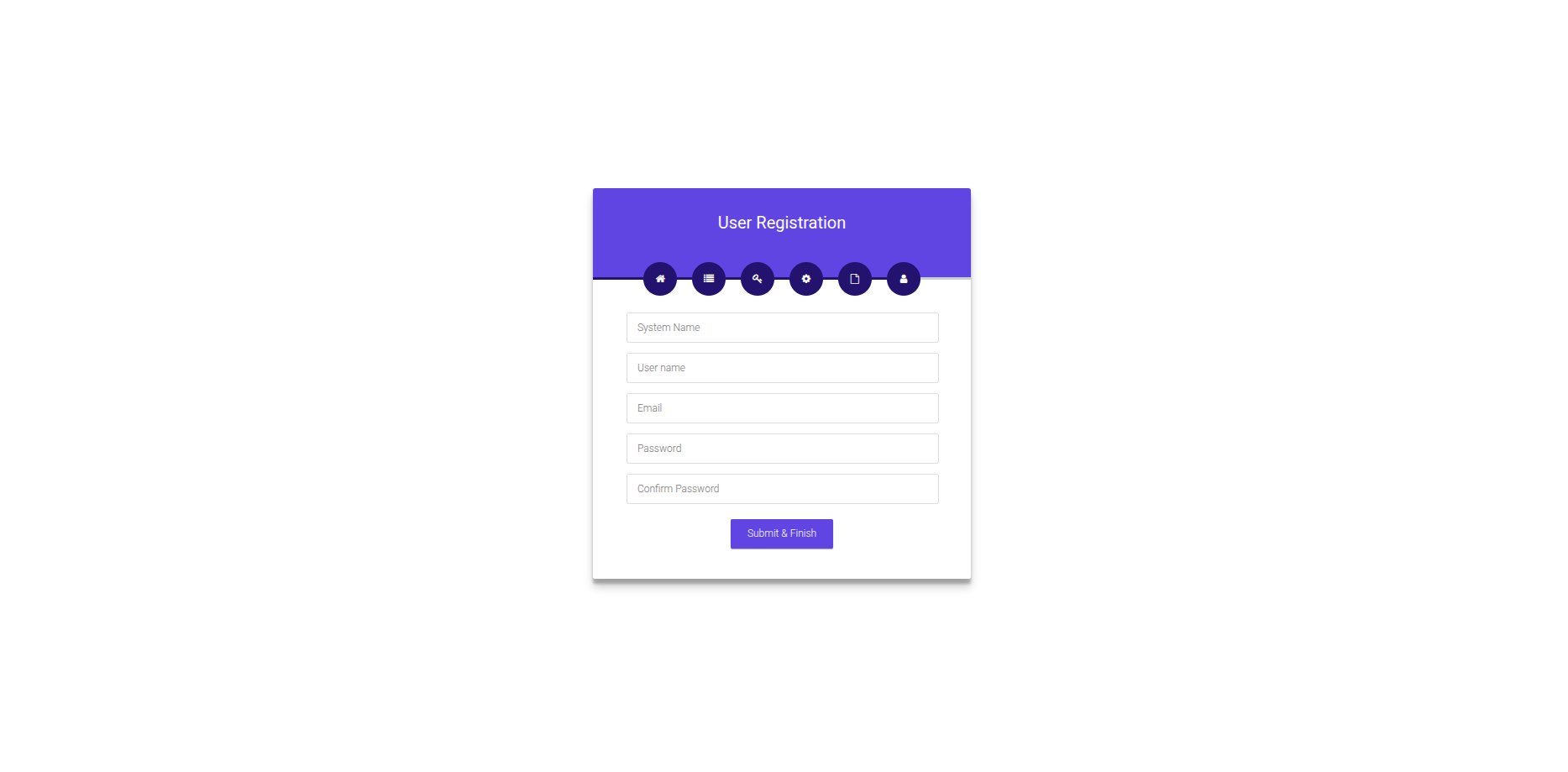
Fill in the information for your website and click Submit & Finish.

Now insert your Email and password and click Log In.
Step : 7
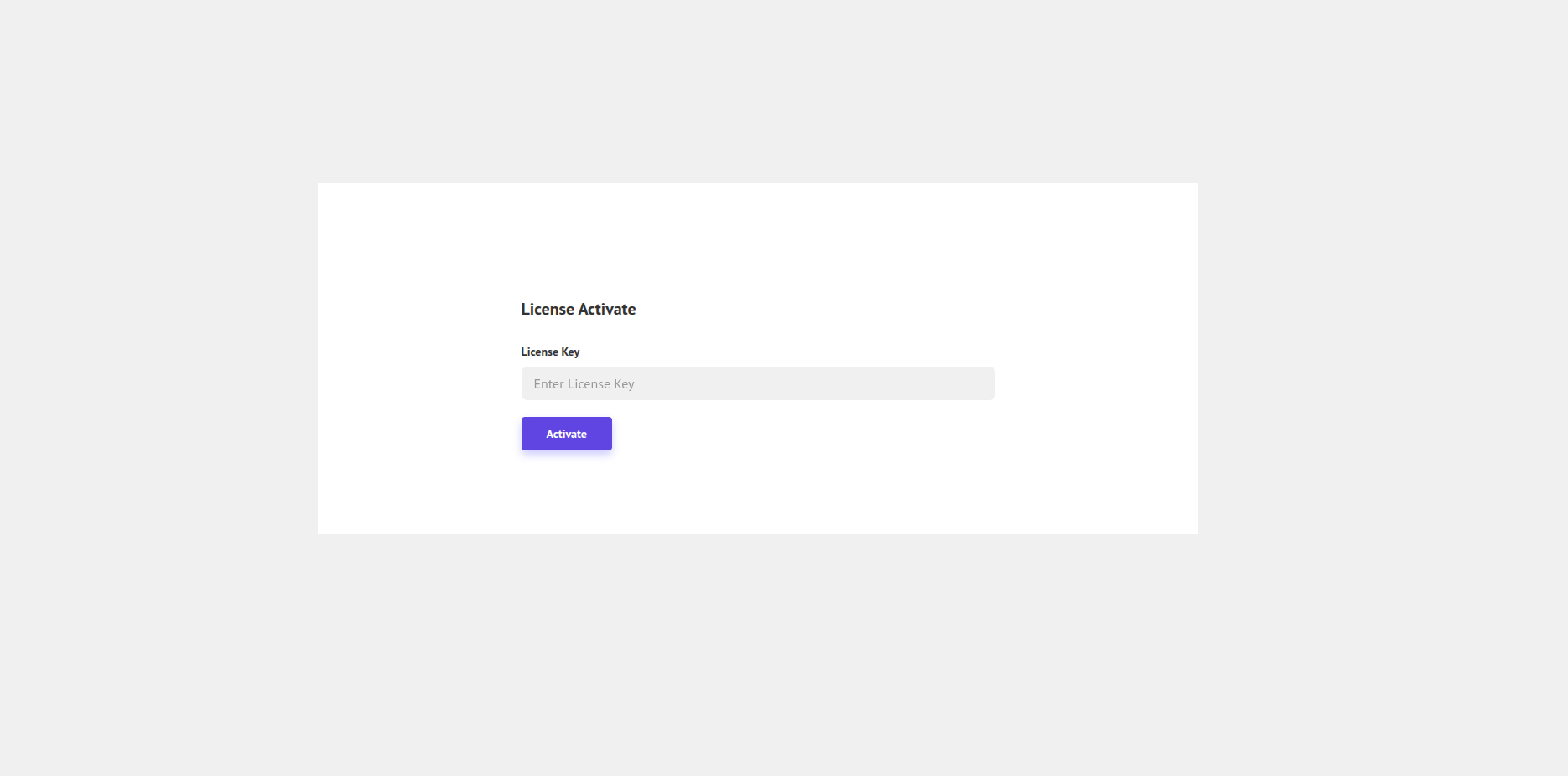
After successful login you will redirected to license activation page . Please active license with purchase key.
Important Settings
You will need to completed following settings to run your system smoothly.
[Note: If you does not complete cron job setup, the email is not sending to client. ]