
To view the product list, go to Products > All Products. You will be redirected to the Product List page. The image below provides a brief explanation of the features and options available on this page.
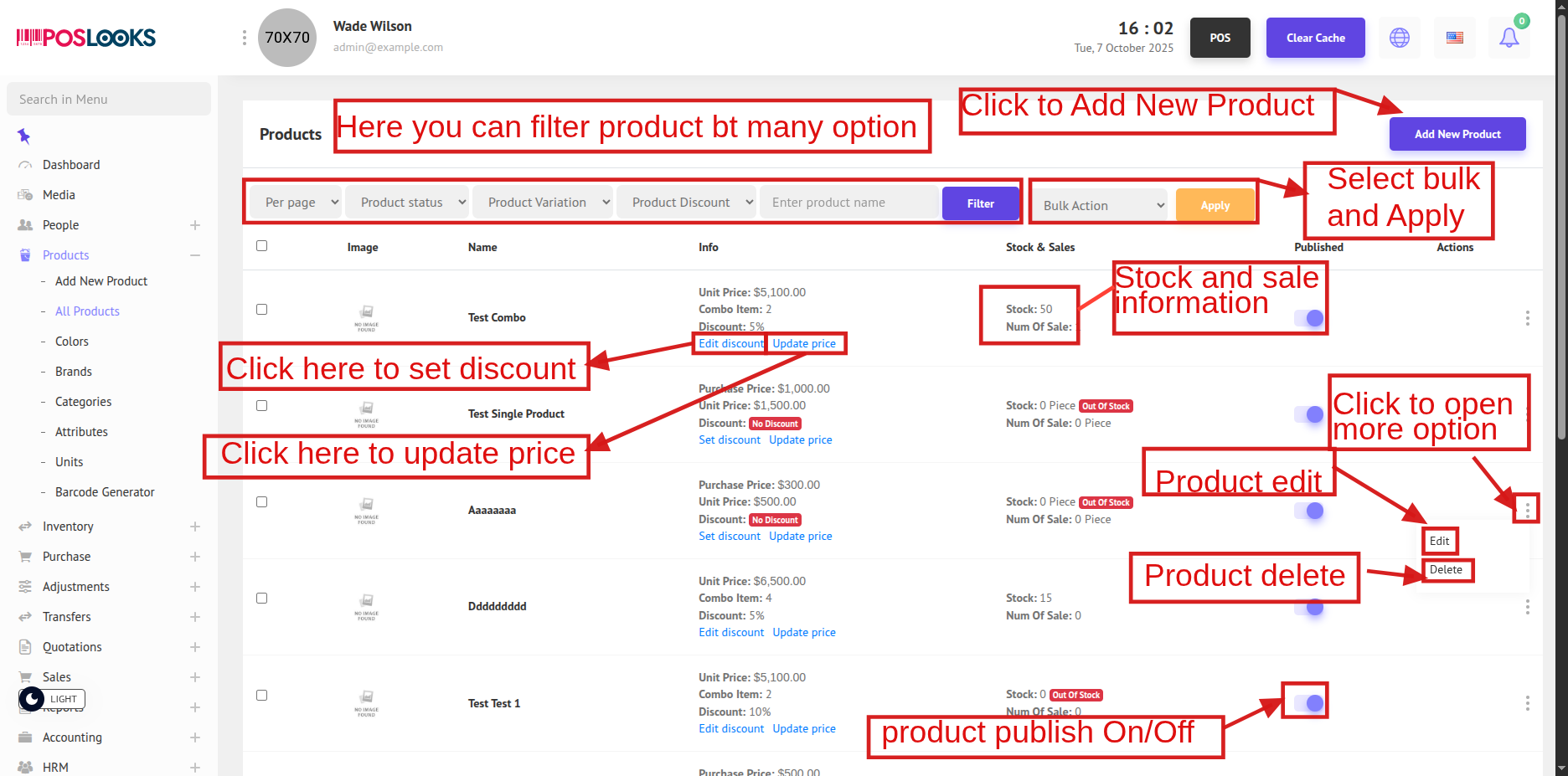
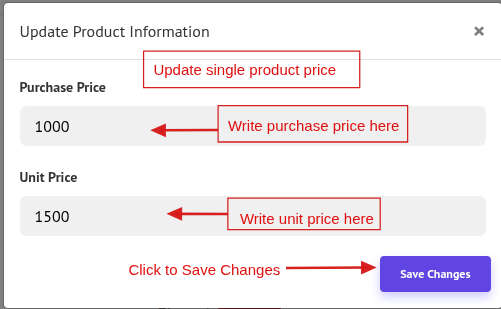
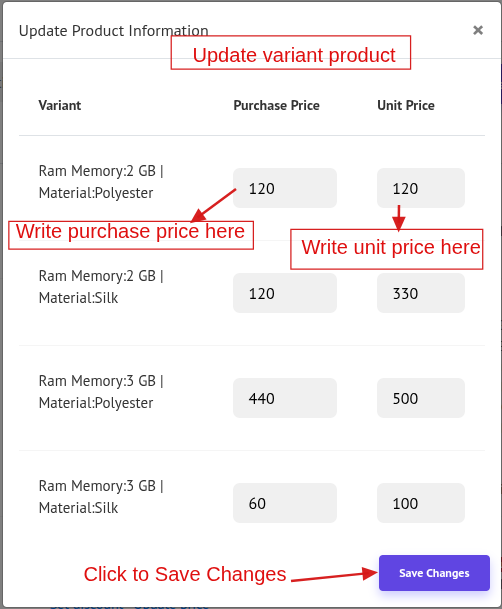
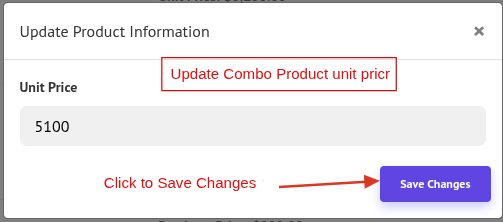
If you click Update Price, a modal will appear where you can update the product price and save the changes.
Update Single Product Price:
Update Variant Product Price:
Update Combo Product Price:
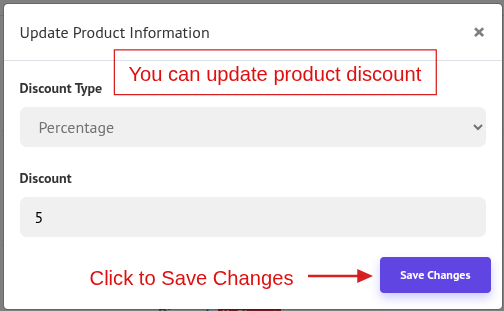
If you click Set Discount, a modal will appear where you can update the product discount and save the changes.
Click Edit in the Product List to modify a product. This action will redirect you to the Product Edit page.
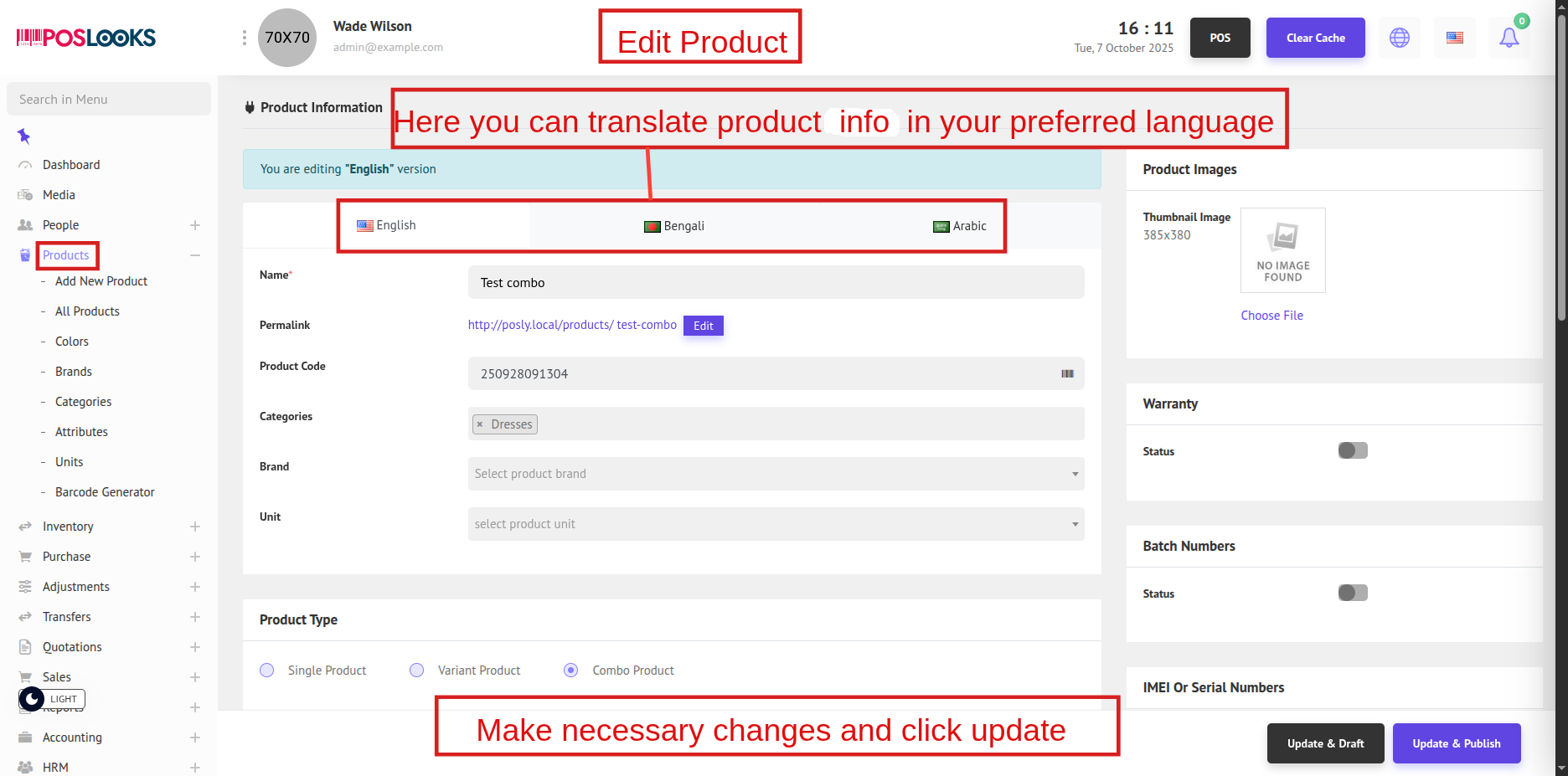
In this section, you can edit product information such as name, price, category, or stock details and update the product accordingly.