To see the Warehouse List, go to Inventory > Warehouse from the menu bar. You will be able to view all warehouses on the Warehouse List page.
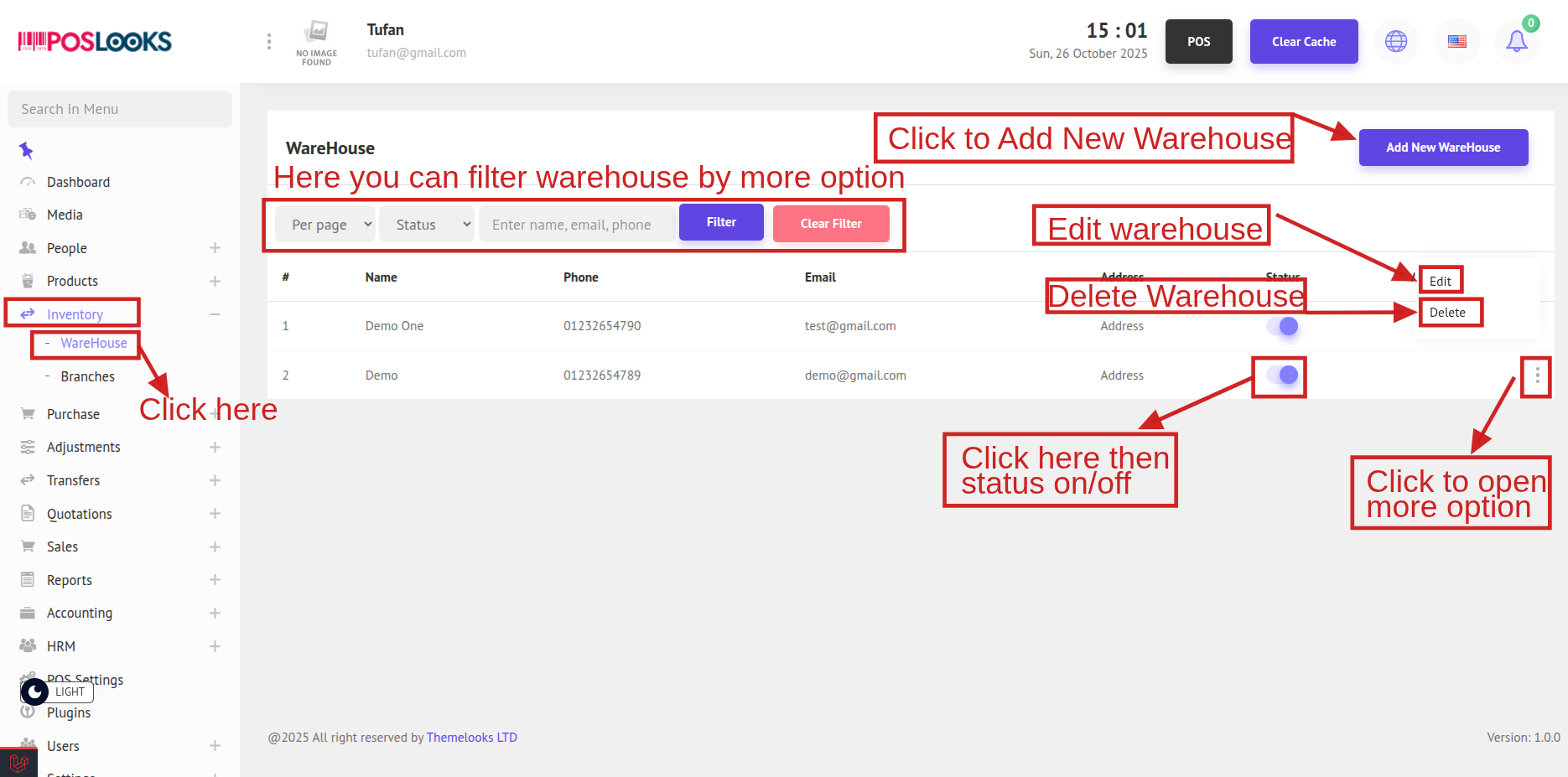
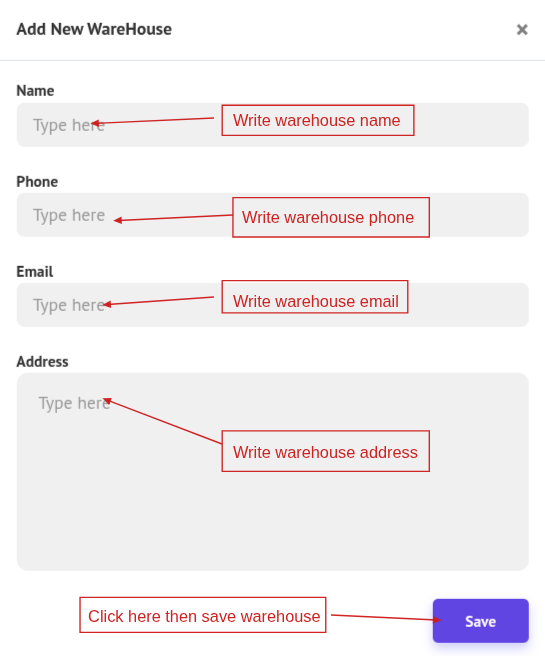
To add a new warehouse, click Add New Warehouse at the top-right of the page. A popup modal will appear where you can enter the warehouse details. Once completed, click Save to add the warehouse.
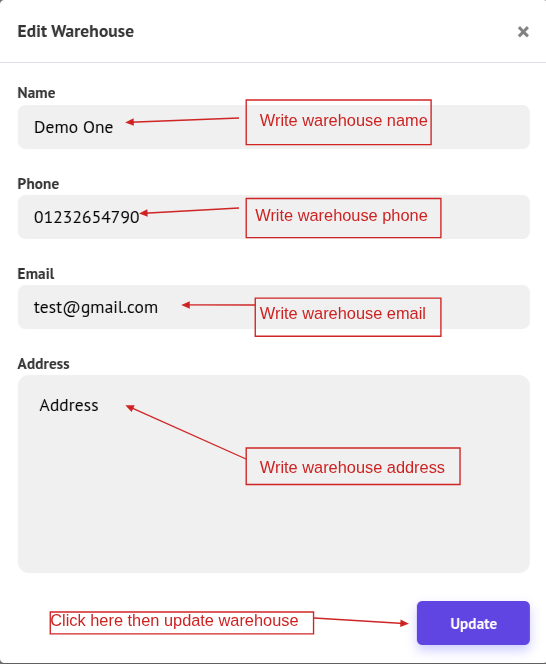
To edit warehouse information, click the Edit button. A popup modal will appear where you can update the warehouse details. After making the changes, click Update. You can also delete a warehouse by clicking Delete.